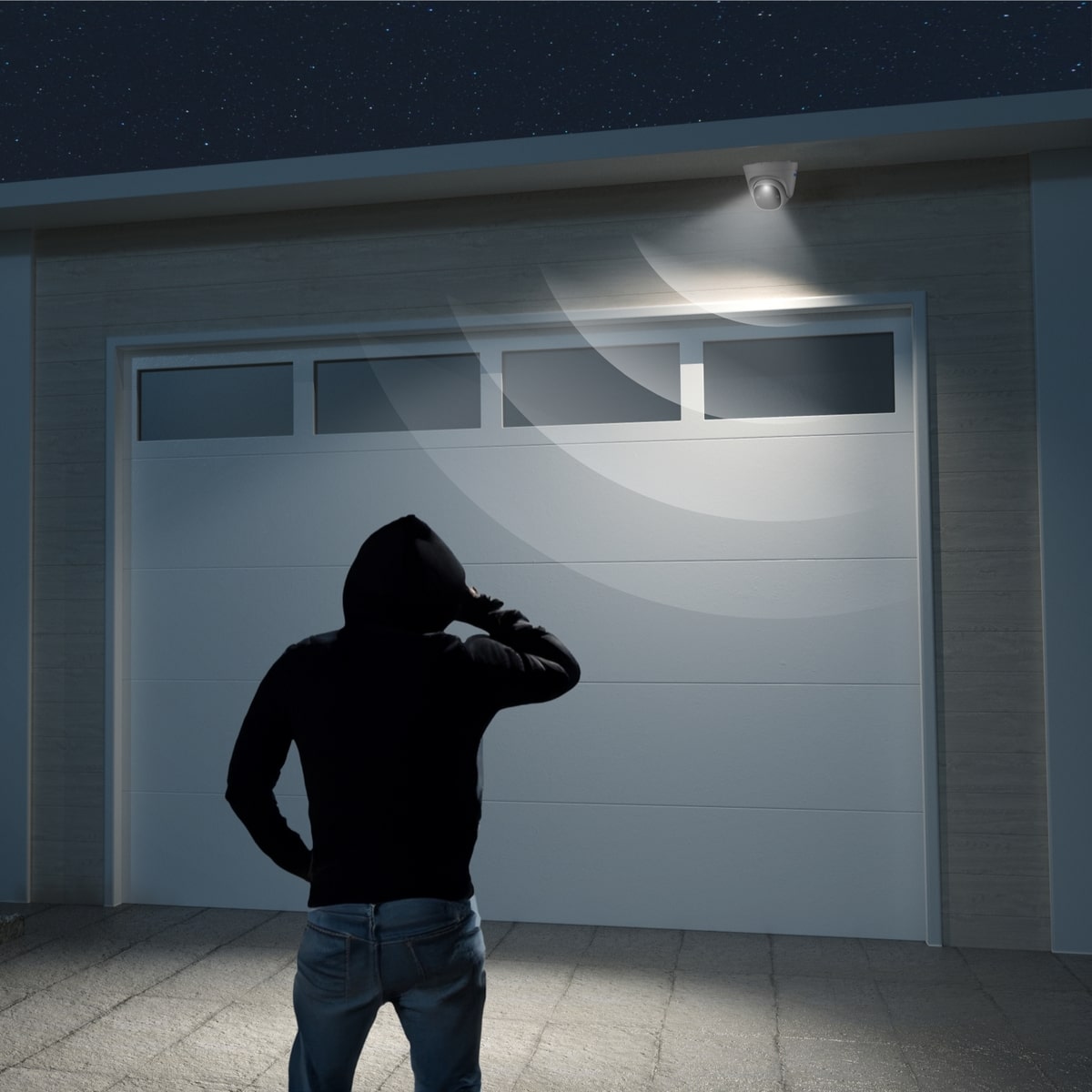
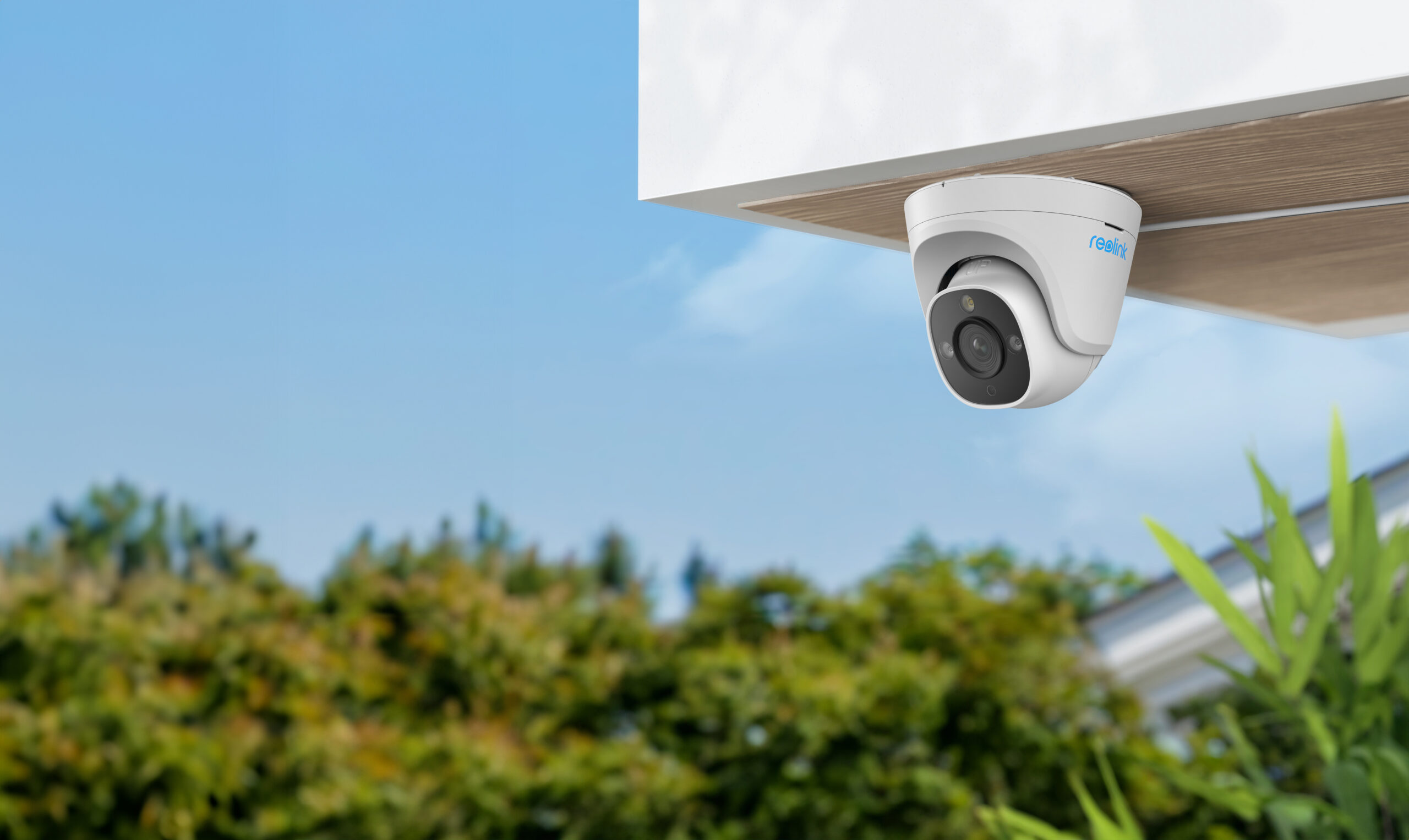
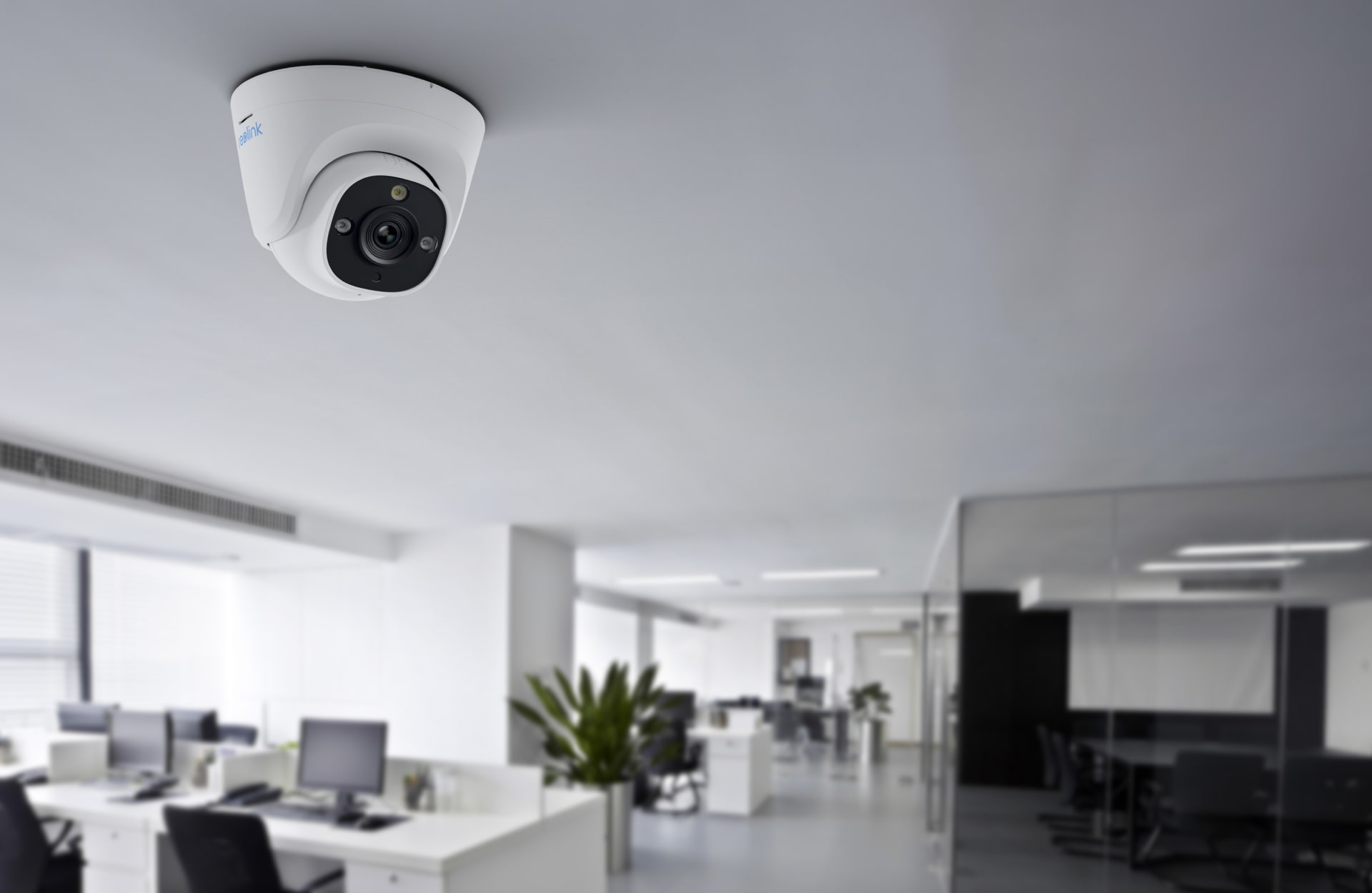
Protect your property day and night with spotlight & two-way audio, see in full-colour and warn off potential intruders.
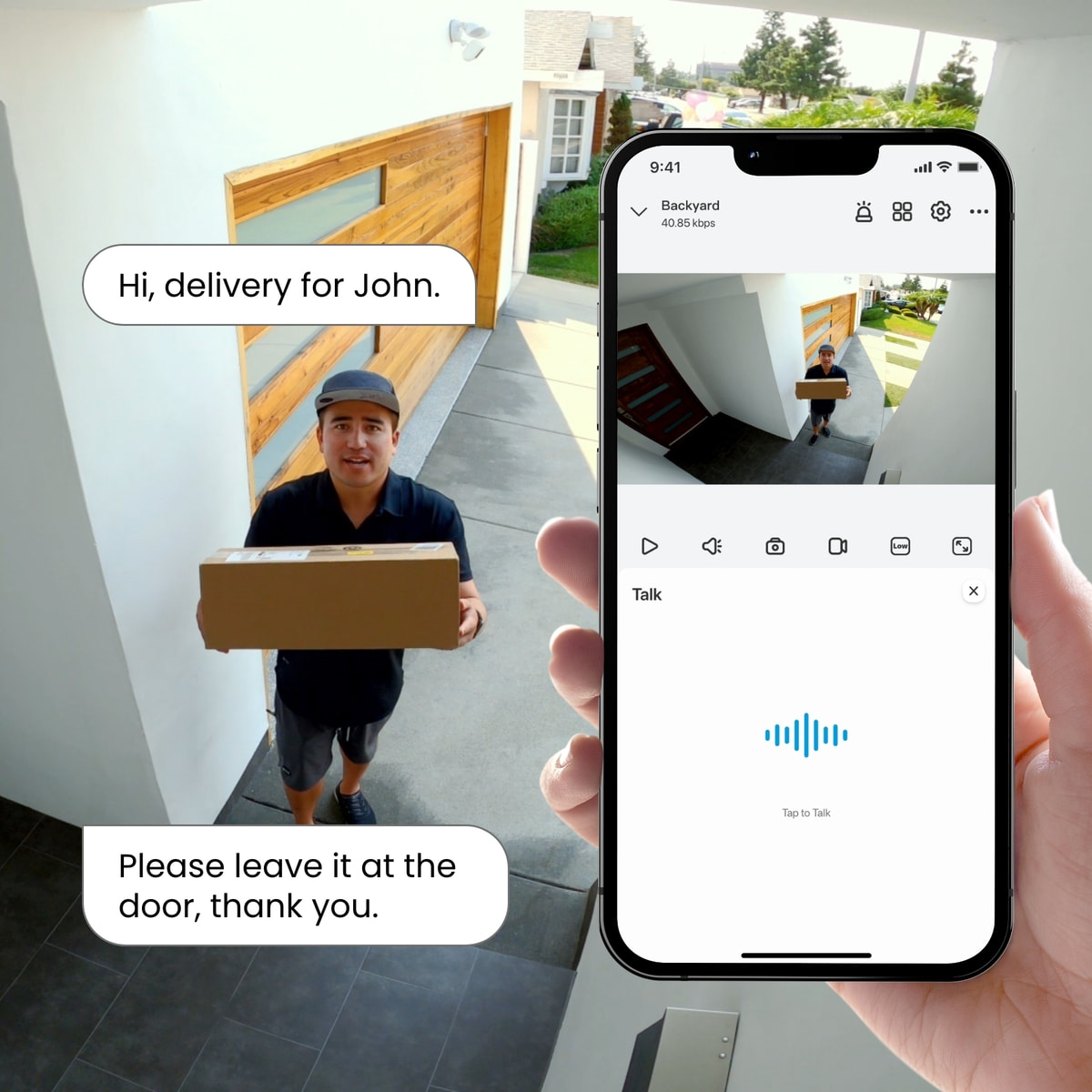
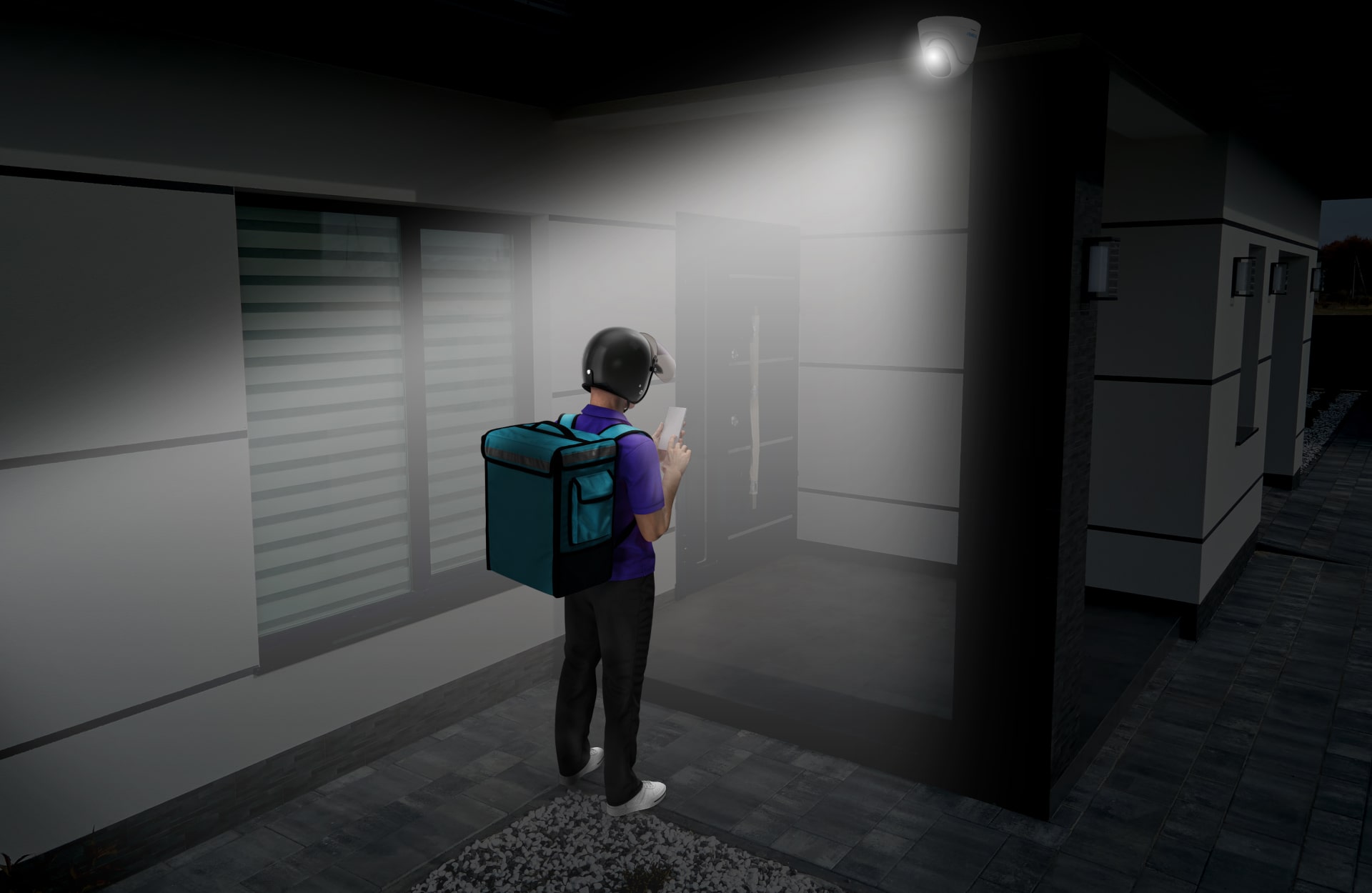
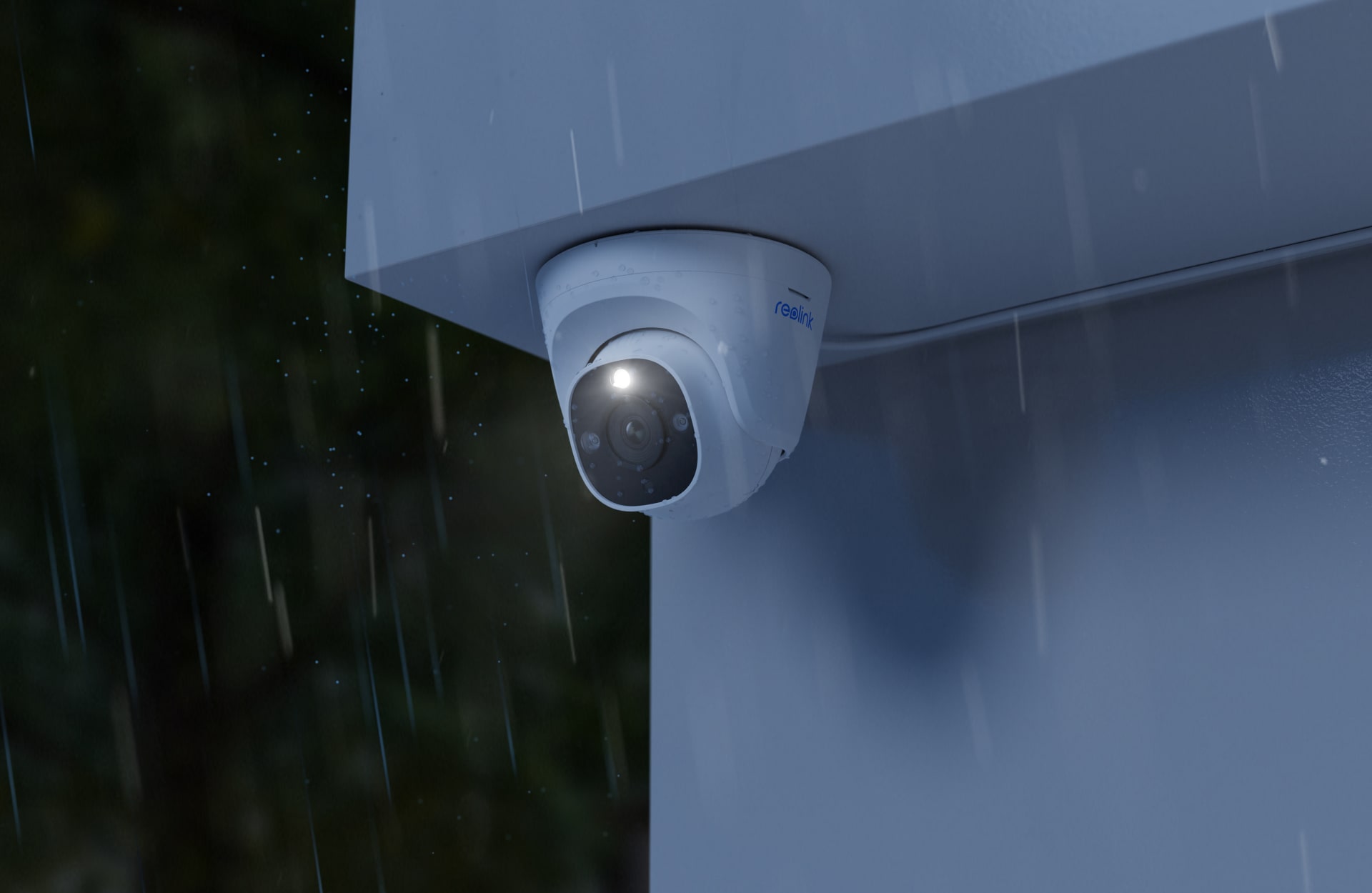
See everything in full colour, day or night, with powerful spotlights that turn on automatically when motion is detected.
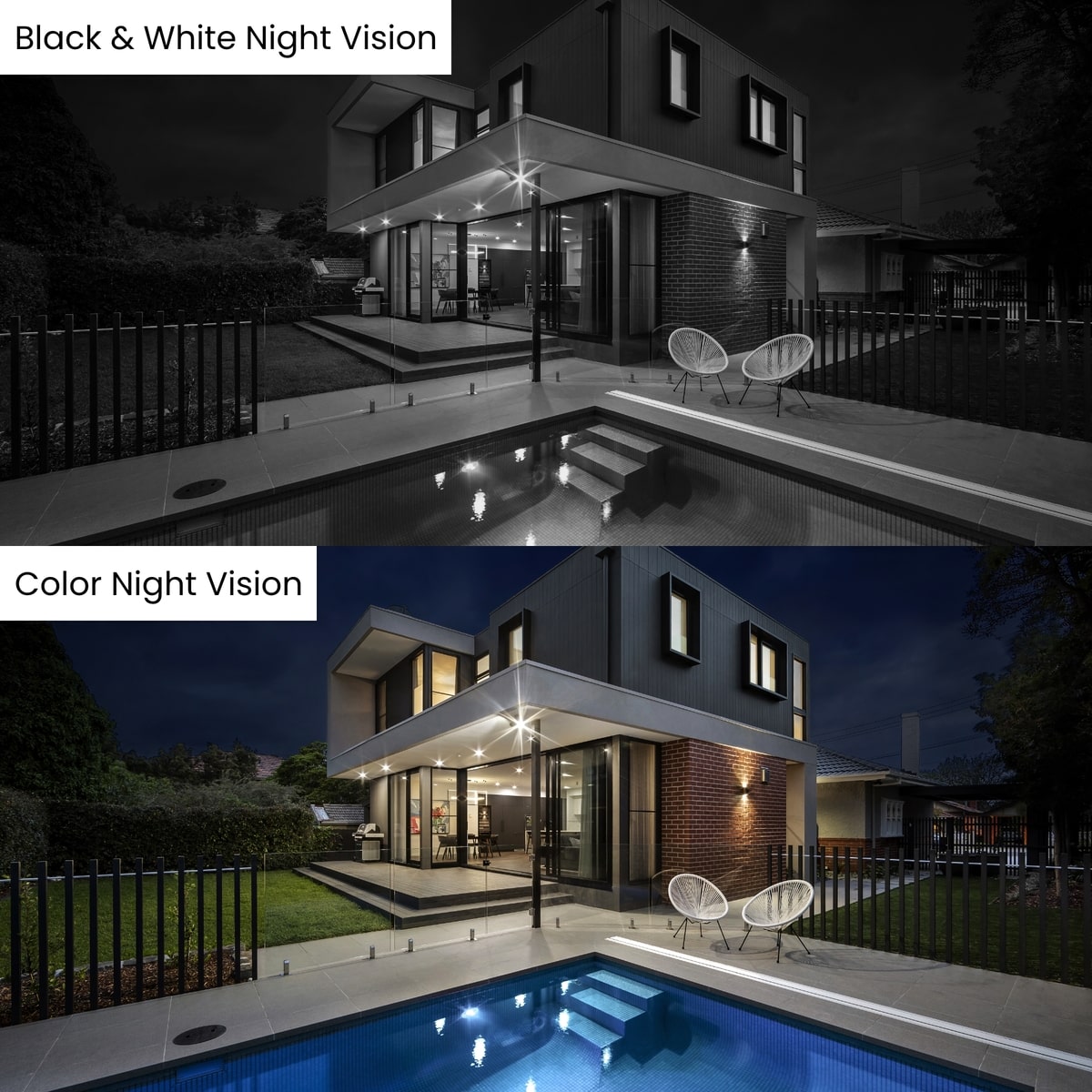
See everything in full colour, day or night, with powerful spotlights that turn on automatically when motion is detected.
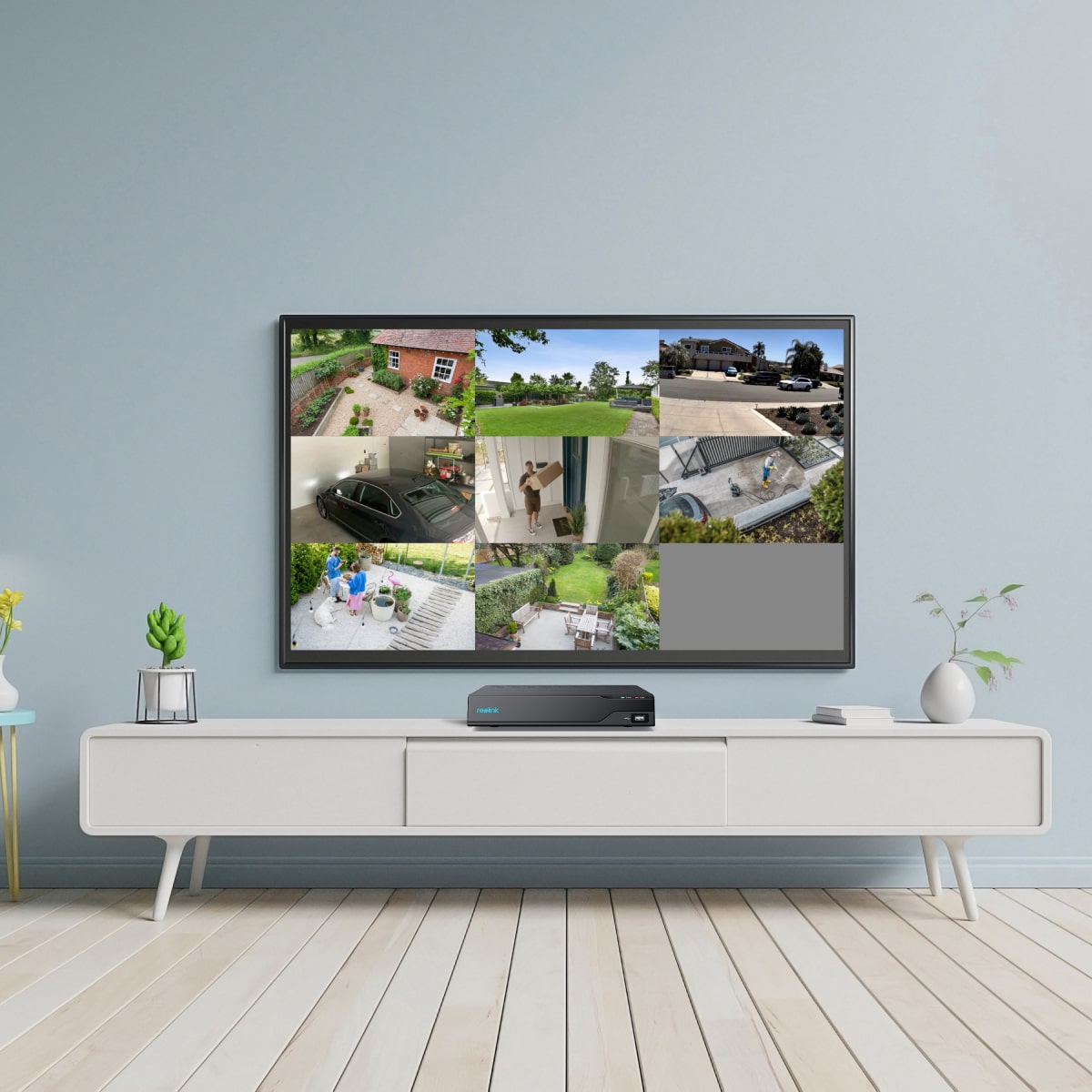
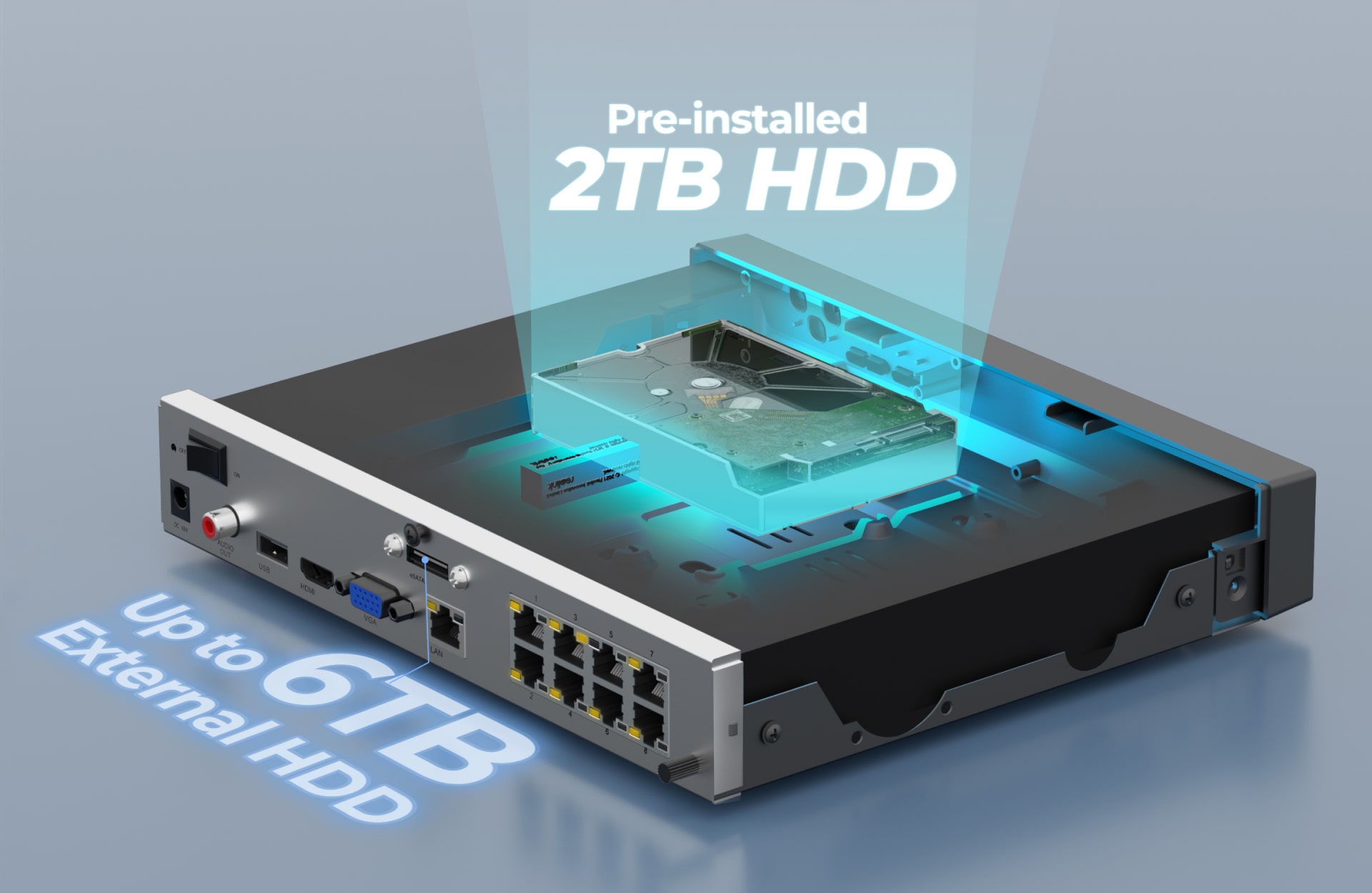
With 2TB pre-installed, expandable to 6TB, record all cameras simultaneously for seamless all-day coverage.
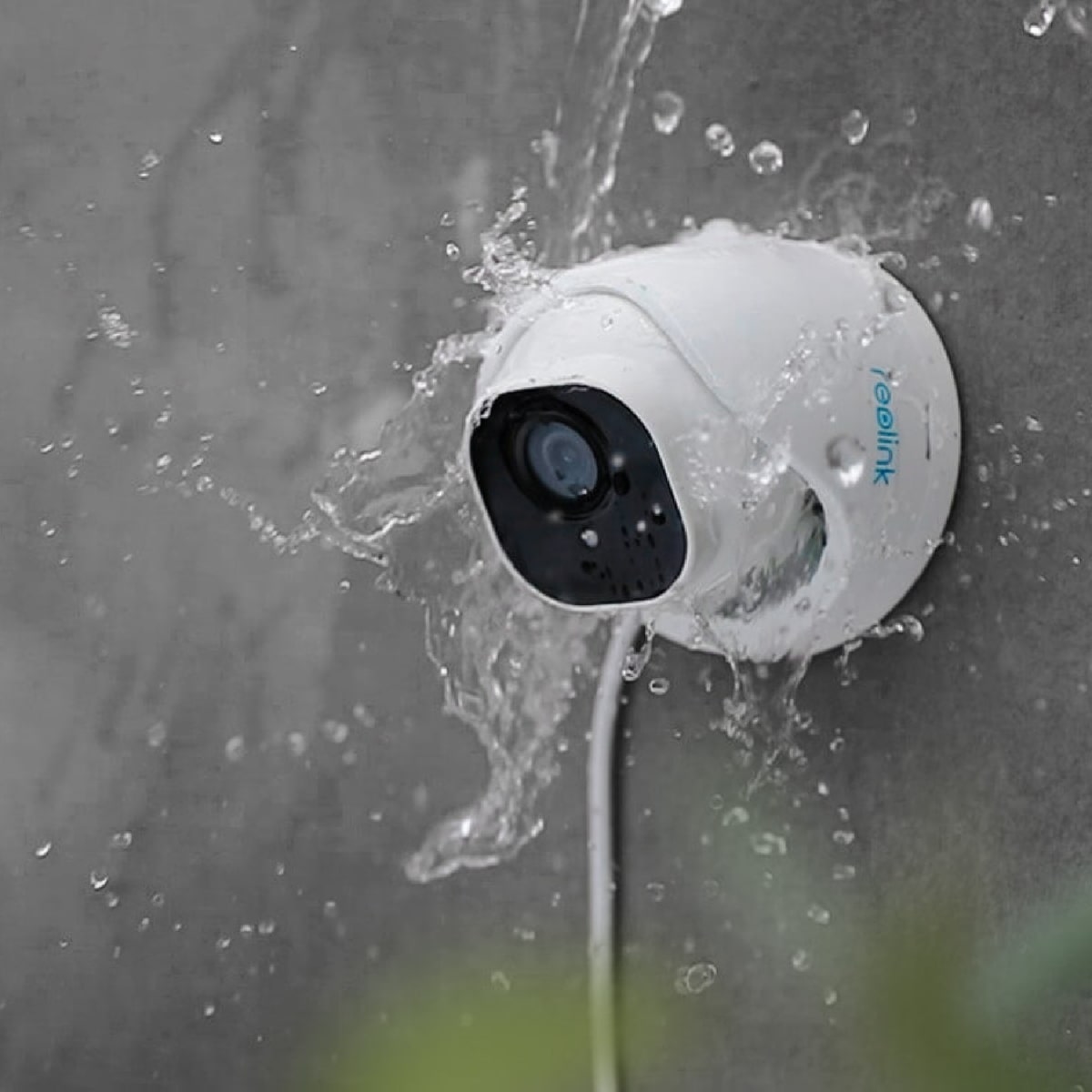
Encased in a robust IP67 weatherproof housing. Our cameras endure storms and extreme temperatures.
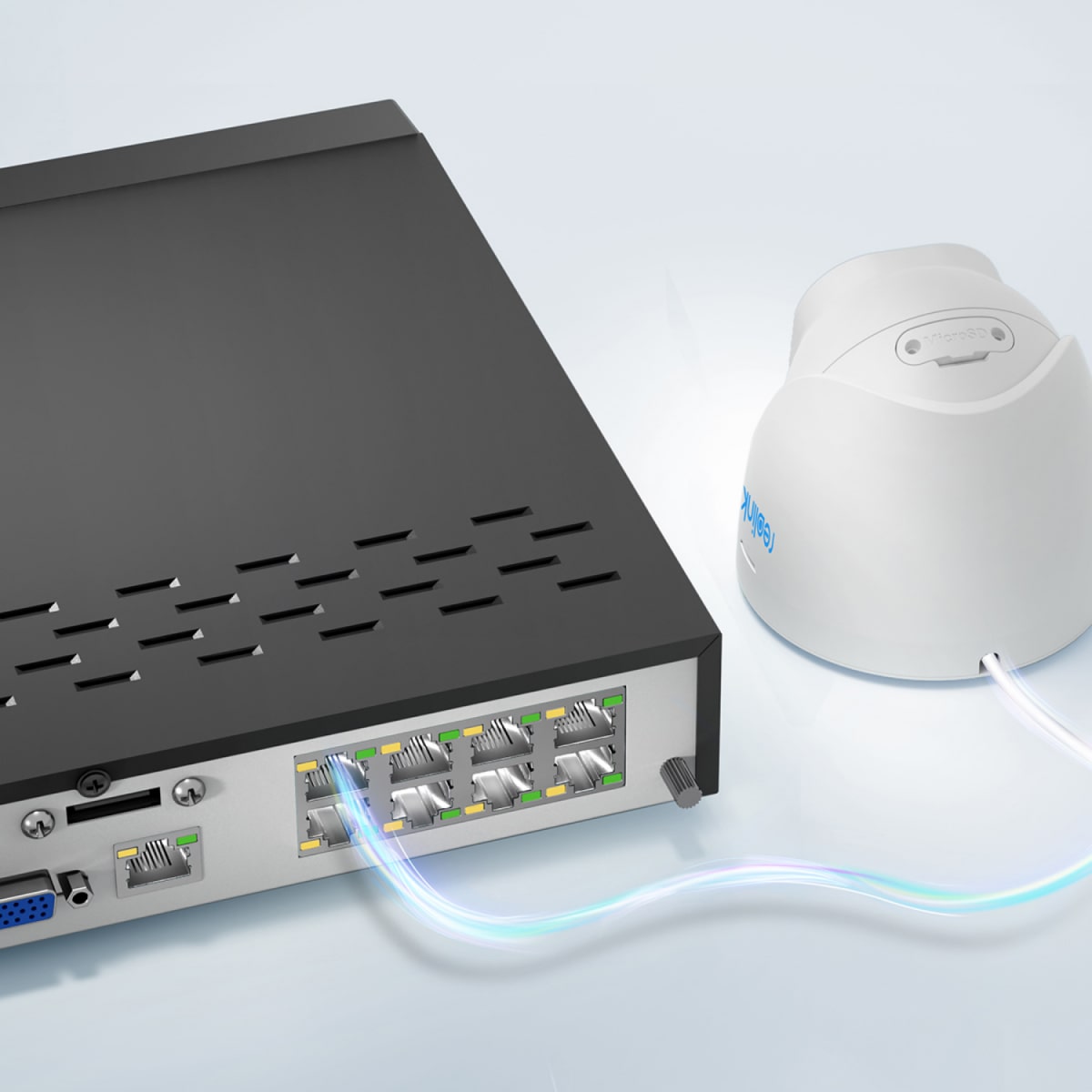
Features PoE (Power over Ethernet) for a single network cable connecting IP cameras to the NVR, providing power and video signal transmission.
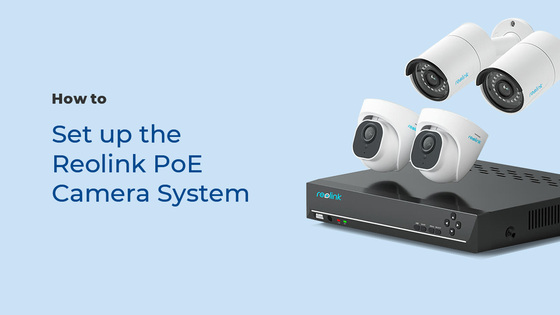


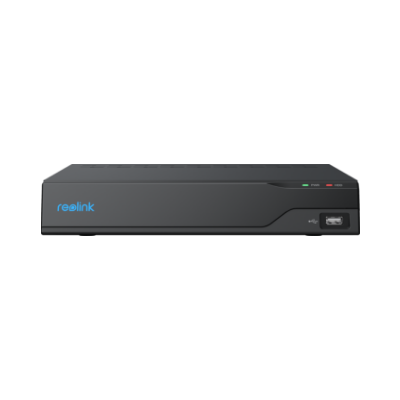
8 Channel - NVS8

NVC-D8M
x8
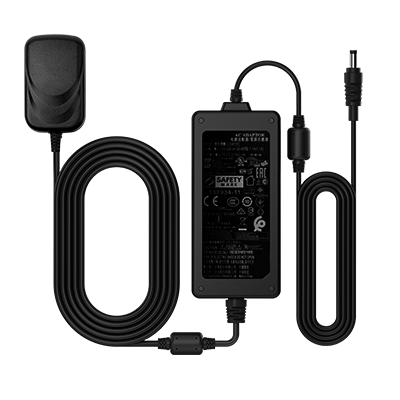
NVR Power Adapter
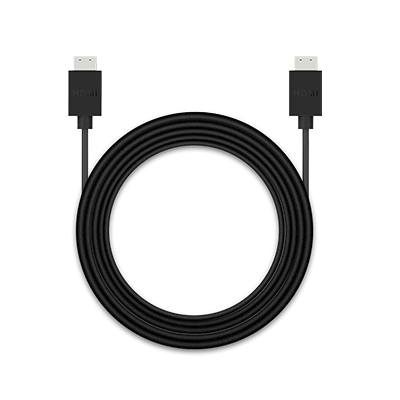
HDMI Cable
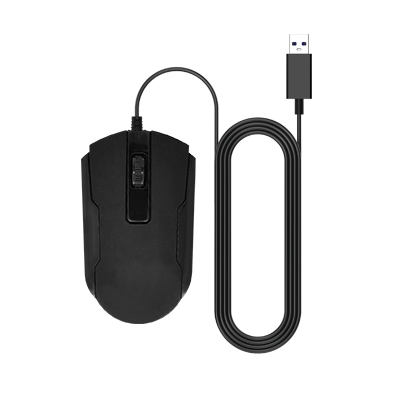
USB Mouse
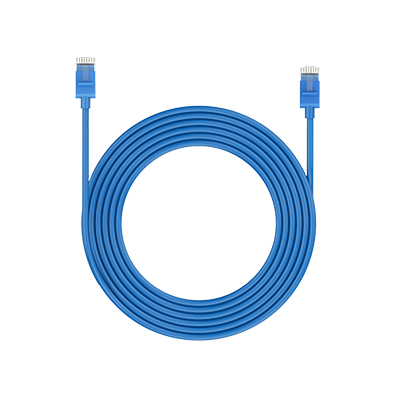
1m (3ft) Network Cable
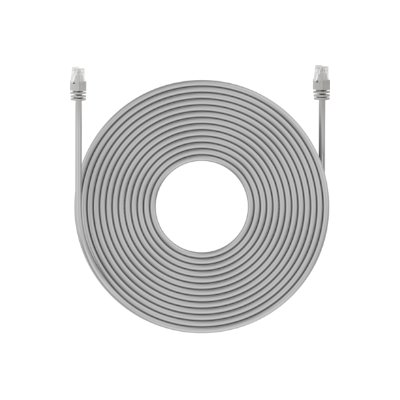
18m( 60ft) Network Cable
x8
Quick Start Guide
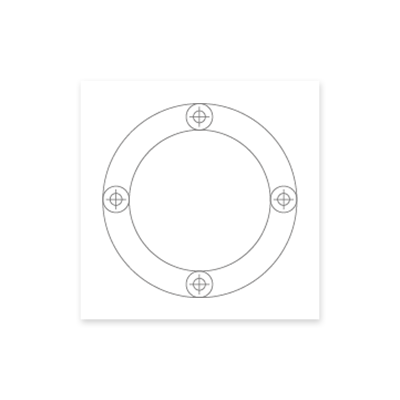
Mounting Template
Surveillance Sticker
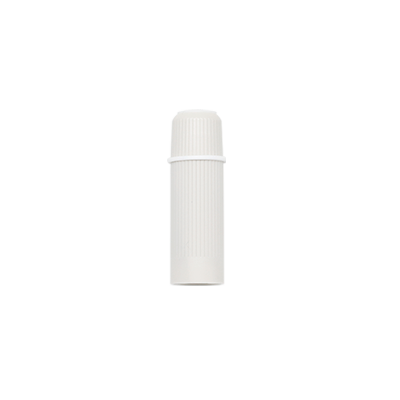
Waterproof Connector
x4
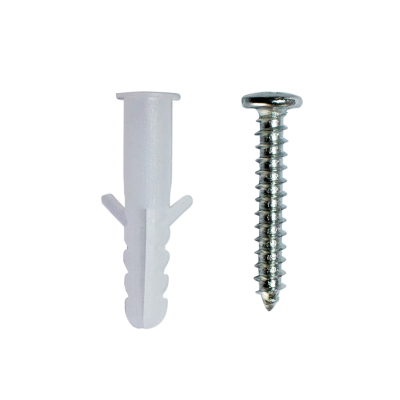
Pack of Screws
How can I pre-view or play back the video?
Method 1: Connect the NVR to a monitor or TV for preview or playback; Method 2: Download the FREE Reolink APP or Client, add the NVR to the APP or Client, configure the settings, and then you can preview or play back the videos.
How long does the security camera systems store video footage?
The length of storage is closely related to the video bitrate. With the NVS8-8MD8, the default bitrate of its cameras is 8192 kbps. With 8 cameras working this system can store video footage for approximately 3 days (72 hours) continuously with its pre-installed 2TB HDD. Please refer to https://support.reolink.
Does my security system work with Google Assistant?
Unfortunately, the NVR system cannot work with Google Assistant.
Does the NVR support the person/vehicle detection with my Reolink cameras?
Yes, the NVR in the NVS8-8MD8 supports the cameras’ smart person/vehicle detection.
Can I connect Reolink NVR to one or more displayers?
Yes, you can connect a maximum of two displays to the NVR via HDMI or VGA (See the diagram below).

Cameras connected to the NVR will be shown on the display(s).
What is the difference if I buy cameras and NVR separately instead of buying a whole system?
The cameras in the kit cannot work alone. They must work with the Reolink PoE NVR. If you buy standalone cameras and the NVR separately, the cameras can work alone.
Also, the network cables for cameras in the kit are 18m (60ft) long while those for standalone cameras are 1m (3ft) long.
What ethernet cable can I use? What is the maximum distance between the camera and NVR?
We’ve included 4 18m (60ft) ethernet cables for the 4 cameras in the kit. You can change them to longer ones if needed.
Reolink PoE cameras support CAT5, CAT5E, CAT6, CAT7 with 8 PIN Ethernet cables. The maximum length of the network cable they support is 110m (330ft). Please note that the data is obtained with a standard CAT5E Ethernet cable under specific test conditions and actual use may vary.